Getting Started with Bifocal
Welcome to Bifocal! This guide will help you understand the basics and log your first DBT skill.
Complete Onboarding
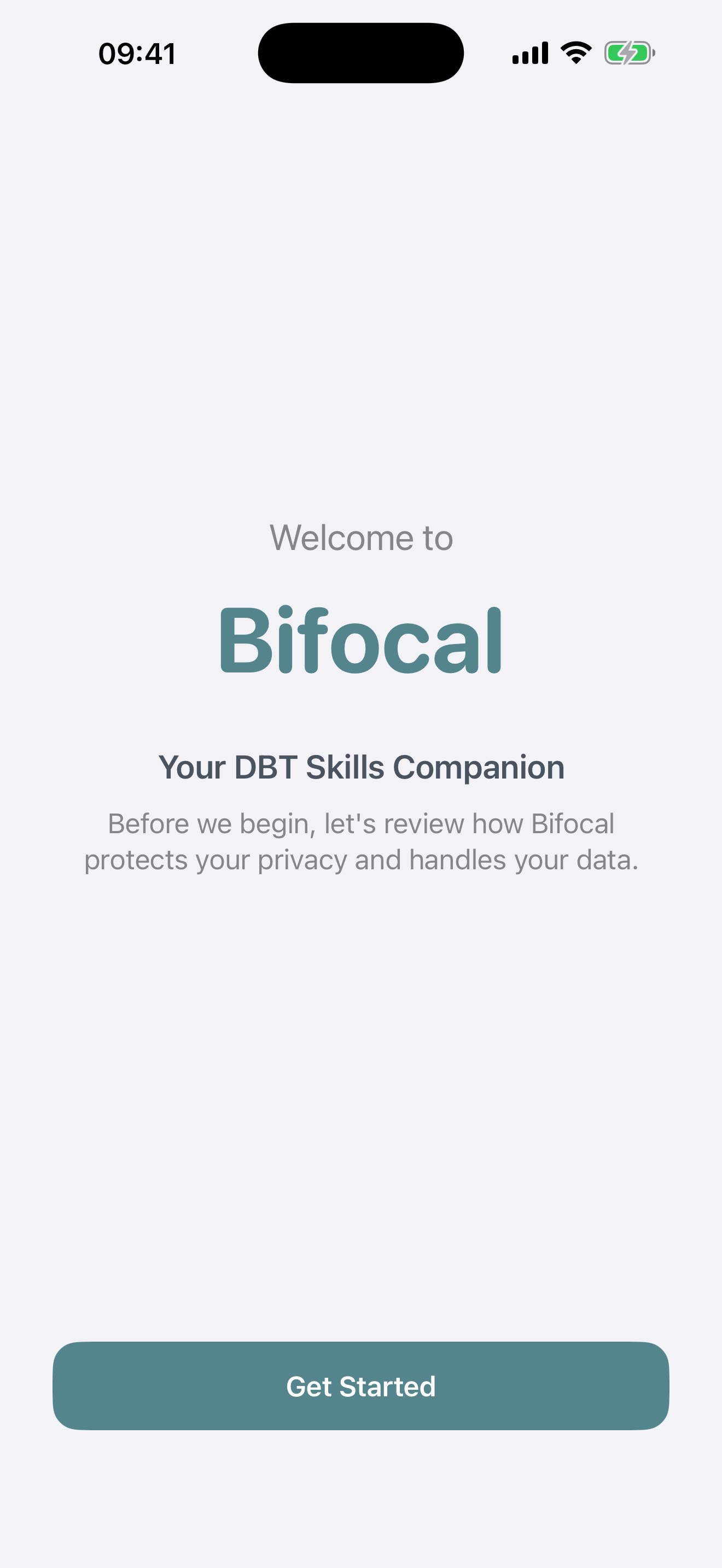
When you first open Bifocal, you'll be guided through a brief onboarding that explains:
- How your data is stored privately on your device
- iCloud sync to keep data across devices
- The key features available in Bifocal
- Privacy and consent information
Explore the Home Screen
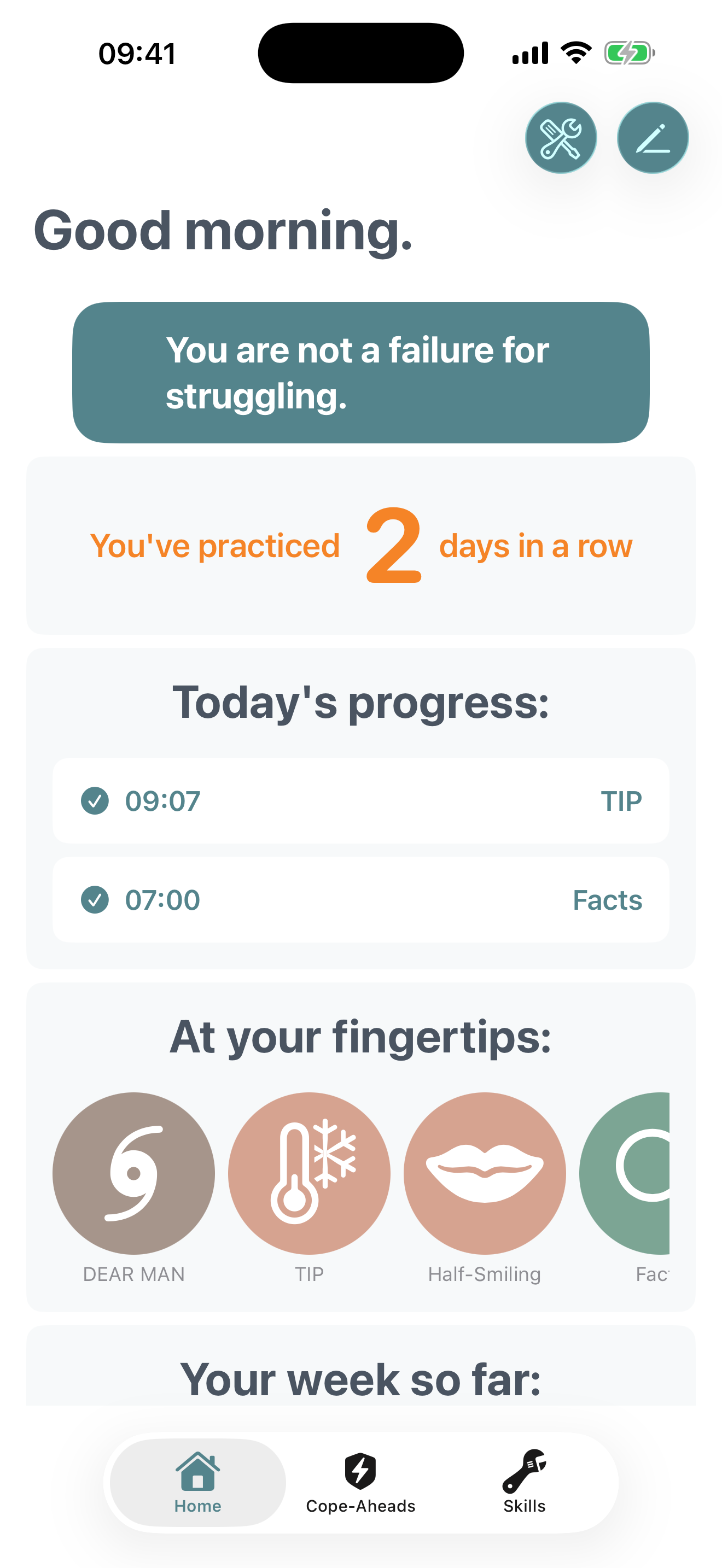
After onboarding, you'll see your Home screen with several cards:
- Daily Message: A motivational DBT-focused message to inspire your practice
- Streak Card: Shows how many consecutive days you've practiced
- Today's Progress: Lists skills you've logged today
- At Your Fingertips: Quick access to random skills
- Your Week So Far: Summary of this week's activity
Understanding the Tab Bar
Bifocal has three main sections accessible from the bottom tab bar:
Home
Your dashboard for daily progress and quick skill access
Cope-Aheads
Plan for distressing future events with Cope-Aheads.
Skills
Browse and learn all DBT skills organized by module here as well as buttons for PDF Progress Reports and All-Time Log History here
Log Your First Skill
There are two ways to log a skill you've practiced:
Method 1: Quick Add (Fastest)
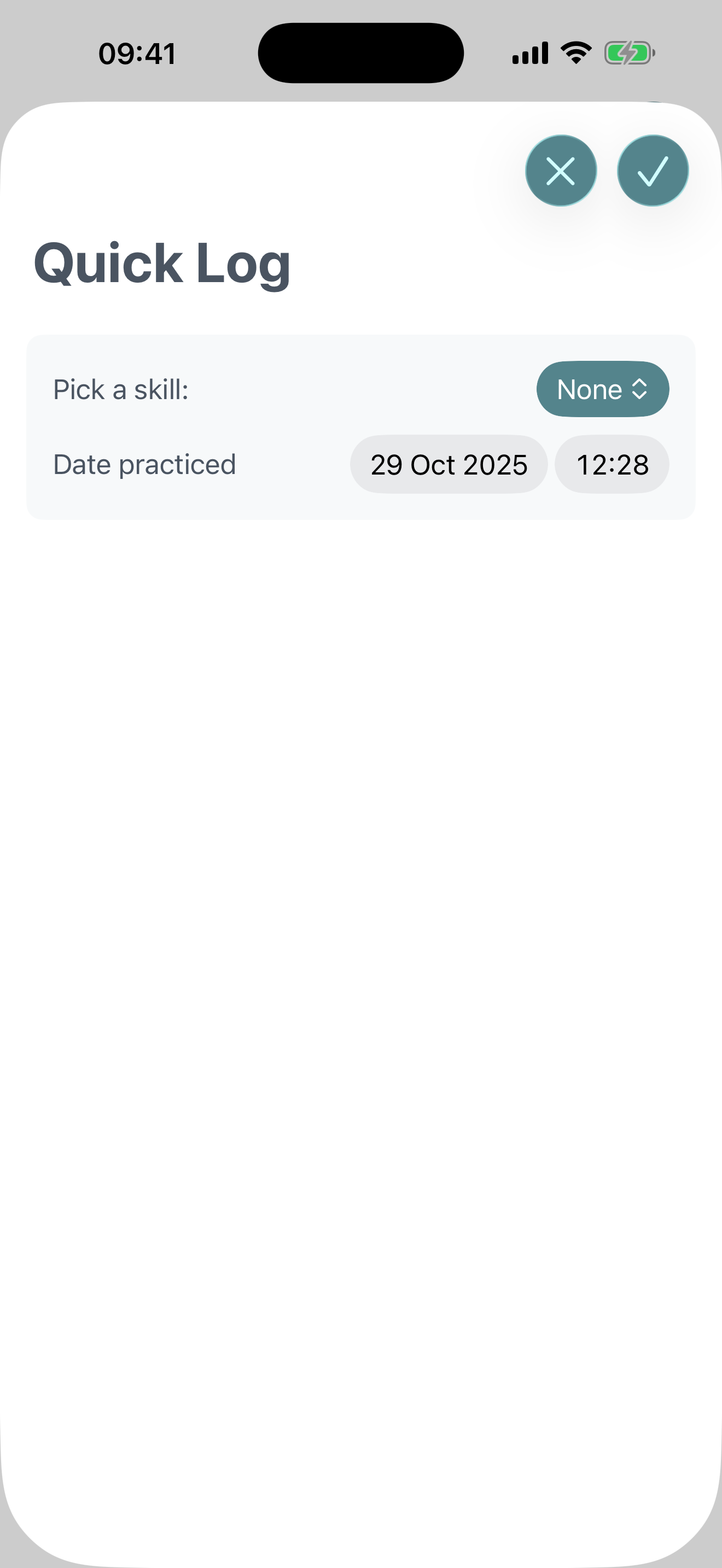
- Tap the + icon in the top right of the Home screen
- Choose the skill you practiced from the list
- Choose the date and time you practiced it.
- Tap the checkmark to record it
Method 2: From the Skills Tab
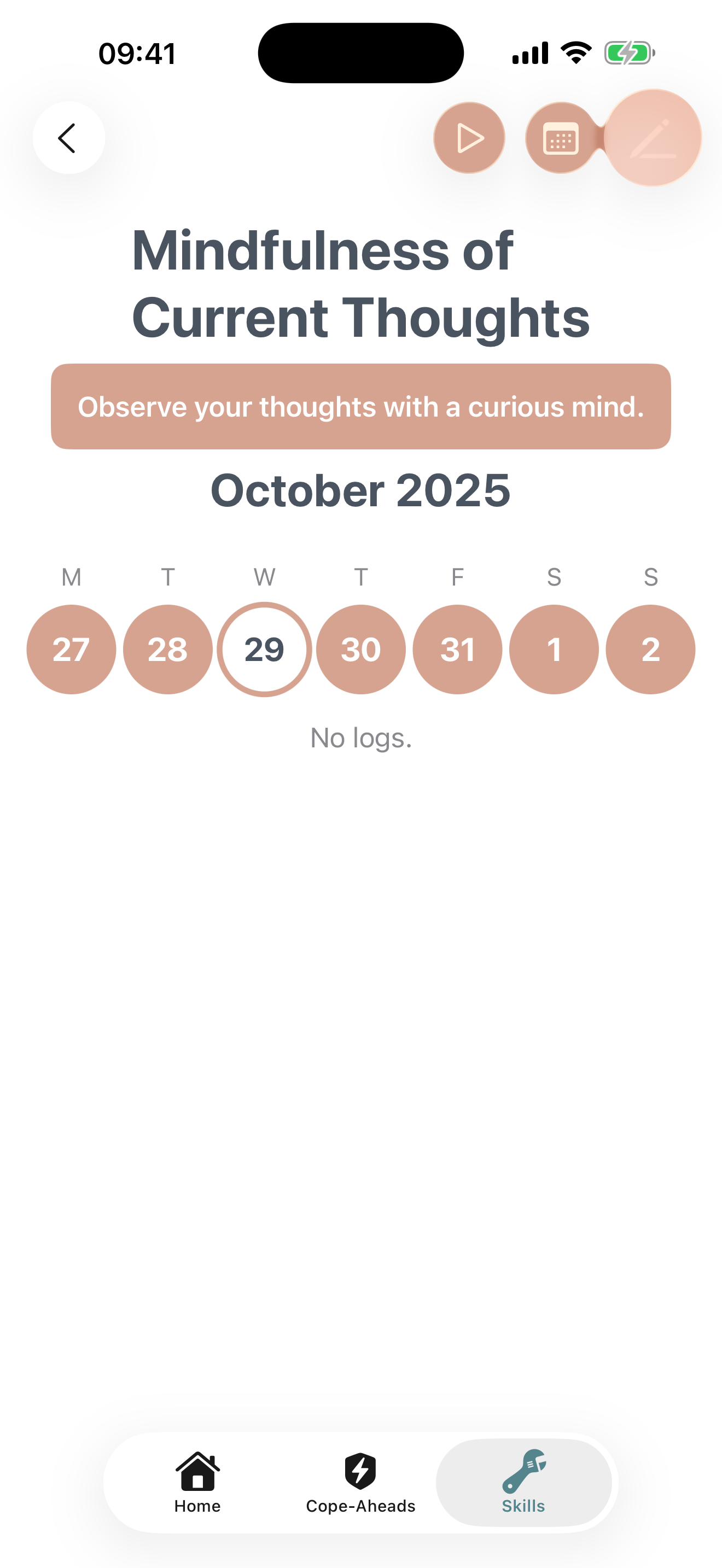
- Tap Skills in the bottom tab bar
- Expand a skill module (e.g., "Distress Tolerance")
- Tap on any skill to view its details
- Tap the pencil icon
- Choose the date you practiced the skill. You can also append a diary entry to the log if you have thoughts you want to write down.
Understanding Free vs Pro Features
Bifocal offers a powerful free tier with optional Pro features:
Free Features
- ✓ Full Distress Tolerance module
- ✓ Unlimited skill logging
- ✓ Diary entries
- ✓ Basic cope-ahead planning
- ✓ iCloud sync
- ✓ Daily reminders
- ✓ Streak tracking
Bifocal Pro
- ✓ All 4 DBT skill modules unlocked
- ✓ Rehearse your peace with Mantras, using voice recognition
- ✓ Unlimited cope-aheads
- ✓ PDF report generation
- ✓ Advanced insights
Tips for Success
Set a Daily Reminder
Go to Settings → Daily Reminders to schedule a notification that helps you stay consistent with your practice.
Read the Skill Instructions
Each skill has detailed instructions and examples. Tap on any skill in the Skills tab to learn how to use it effectively.
Start Small
Don't feel pressure to log everything. Start by tracking 1-2 skills you use regularly, then gradually expand.