Managing Your Data
You have complete control over your personal data in Bifocal. Export it, delete it, or restore from backups anytime.
Privacy-First Design
Bifocal is built with your privacy as the top priority:
Local-First Storage
All your data is stored on your device. We never see or access your personal information.
Encrypted Sync
With iCloud Sync data is encrypted end-to-end. Only you can access it.
No Analytics
We don't track your usage, collect analytics, or share data with third parties.
Your Control
Export or delete your data anytime. No questions asked, no barriers.
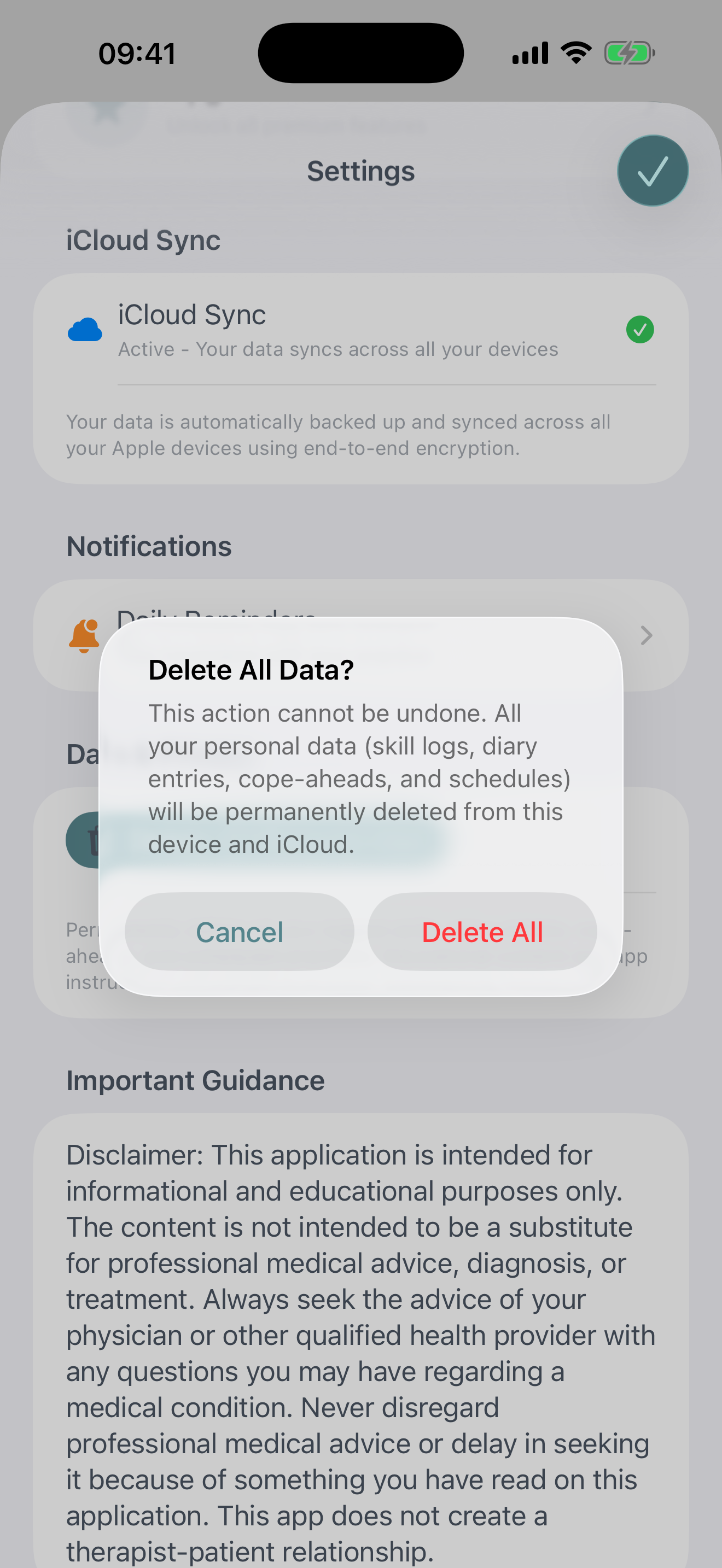
Deleting All Data
If you want to start fresh or remove all your data from Bifocal:
- Go to Settings › Data Management
- Scroll to the bottom
- Tap Delete All Data
- Read the warning carefully
- Enter the confirmation phrase shown on screen
- Tap Permanently Delete
Transferring to a New Device
There are two ways to move your Bifocal data to a new iPhone or iPad:
iCloud Sync
- Ensure iCloud Drive is enabled on your old device
- Install Bifocal on your new device
- Sign in with the same Apple ID
- Your data will automatically download
Common Questions
Will deleting the app delete my data?
Yes, deleting the Bifocal app will also delete all local data. If you have iCloud Sync enabled, your data remains in iCloud and will sync back if you reinstall the app. Otherwise, export your data before deleting the app.
What happens to my data if I cancel Bifocal Pro?
All your data remains intact. You keep everything you've logged. You'll just lose access to Pro features like Report Generation and Voice Mantras. Your basic skill logging and all existing data are always preserved.
Can I share my data with my therapist?
Yes, you can either generate a PDF report (Pro feature).
Is my data accessible to the Bifocal team?
No. Your data is stored exclusively on your device and (optionally) in your private iCloud container. We have no access to it, cannot see it, and have no servers collecting it. Your data is yours alone.
Data Management Best Practices
Regular Backups
Create progress reports monthly, or enable iCloud Sync for automatic backup.
Before Major Changes
Create reports before iOS updates, device transfers, or bulk deletions.